We know it's not just about the Features, but since you're wondering...
Inventory Control
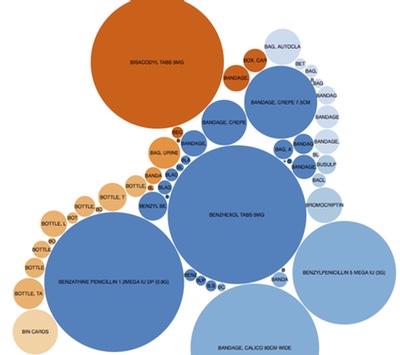
At the heart of mSupply is an inventory control system which records each receipt and issue of stock for an item. Of course, because we’re dealing with batch numbers and expiry dates, mSupply tracks each batch of an item separately. So you know not only how many Amoxycillin 250mg caps you have in stock, but also how many of each batch.
 Issuing Goods
mSupply allows you to easily issue goods in a FEFO (First expiry, first out) manner. It works through a graphical interface that is easy for people not experienced with computers to learn. It automatically sorts stock to be issued by expiry date, so “FEFO” (first expiry, first out) is easily applied.
Read more on our User Guide
 Purchase Orders
Before you place an order, there’s a whole lot of work that mSupply helps you with. mSupply automatically determines how much you need to order using proven methods of calculation. It does so on the basis of actual usage and stock levels – you don’t have to set minimum and maximum stock levels manually.
mSupply supports both Transactional and Report & Requisition (R&R) models of ordering stock via a Logistics Management Information System (LMIS).
In a Transactional model, users enter invoices for every item entering or leaving their store. mSupply keeps track of stock on hand and consumption, and calculates suggested order quantities based on this data.
In a Report & Requisition (R&R) model, users complete a monthly or quarterly report in mSupply with the following data for each item:
- Opening stock: A
- Received stock: B
- Issued stock: C
- Stock adjustments: D, where a negative number is a stock reduction
Consumption and order quantities are then manually calculated and entered in mSupply using the following formulae:
- Consumption = A + B + D – C
- Order Quantity = Target Months of Stock x Consumption – Stock on Hand
 Incoming Goods
mSupply helps you easily manage incoming goods. It handles unlimited foreign currencies for incoming invoices, receives orders partially if the supplier sends in several consignments and easy integrates with bar code scanners if required.
Read more on our User Guide
 Tender Management
If you run tenders, mSupply even has a tender management module that allows you to run a formal tender round, sending letters to suppliers, collecting responses, comparing prices per item, and awarding each item to a particular supplier.
Since 2006 mSupply’s tender management capabilities have been steadily expanded to include the following features:
- Unlimited tenders
- Price comparison
- Automatically adjusts for pack size, currency and freight differences
- Handle sets of standard conditions you apply to different tenders
- Print invitation to bid and acceptance letter documents
- Attach supplier-submitted documents (Word, Excel, PDF, etc) to a tender and have them viewable by any user with permission.
- Automatically turn tenders with accepted lines into a purchase order for each supplier
If you don’t want to run formal tenders, mSupply’s quotation comparison system provides an informal way of comparing quotations from suppliers. Prices submitted by suppliers are adjusted for freight charges, currency and pack size to give a quick comparison of prices from anywhere in the world.
Read more on our User Guide
 Track Inventory
mSupply has full inventory control on a “by batch” basis, including tracking of batch shelf locations. Changes to inventory are only possible by a transaction, so there is an audit trail any changes to inventory. Run random or full stock take reports.
 Safety Measures
mSupply has built in safety measures including password protection & stock shortage warnings. A full password protection and limitation of access based on the user group.
Warning when attempting to issue short expiry stock (user-configurable warning period). Each batch has it’s own shelf location. Batches can also be quarantined until ready for issue to customers.
User Focused
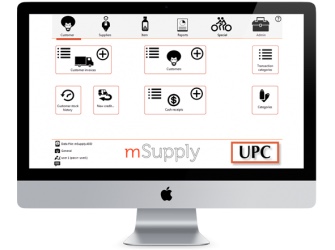
mSupply is set up with a graphical interface that is easy for people not experienced with computers to learn. It is super flexible. It can be configured in lots of different ways to fit the way you work. Still can’t quite make it do what you need? We often customise mSupply to meet the needs of a particular situation. So if you’re evaluating mSupply and it doesn’t seem to do what you want: talk to us.
 Easy To Use
mSupply is set up with a graphical interface that is easy for people not experienced with computers to learn. You can easily find transactions you’ve entered, by number, by customer/supplier name, by a list of recent transactions, or by a custom search. It will also automatically finish your searches.
 Integrated
Exports invoice data in tab-delimited text format for easy import into accounting programs.
Invoices and orders copied to the clipboard with a single click for easy emailing to customers and suppliers.
Electronic invoices allow your clients who also use mSupply to receive invoices via email and automatically import them into their copy of mSupply.
 Flexible
mSupply is highly customisable by the end user. You can get it working just the way you need it to. We have provided customised versions for clients in Nepal, Palestine, and Sudan, and we’re happy to do so for you too.
 Proven
mSupply has been in use since 1998, and has handled millions of transactions. We have clients in more than 20 countries around the world. mSupply is used in situations where thousands of transactions per day are being entered, as well as small dispensaries with only a few transactions a day.
 Mistake Tolerant
Allows easy merging of duplicate entry of items and easy adjustment of inventory errors with a full audit trail. Most fields allow entry by name or code, and allow partial entry of as much of the name or code as the user knows.
 Support
We take looking after our clients very seriously. We understand developing countries and their challenges in successfully using software. We’re motivated by helping you to do a great job. We know mSupply has to balance features with ease-of-use.
Works Everywhere
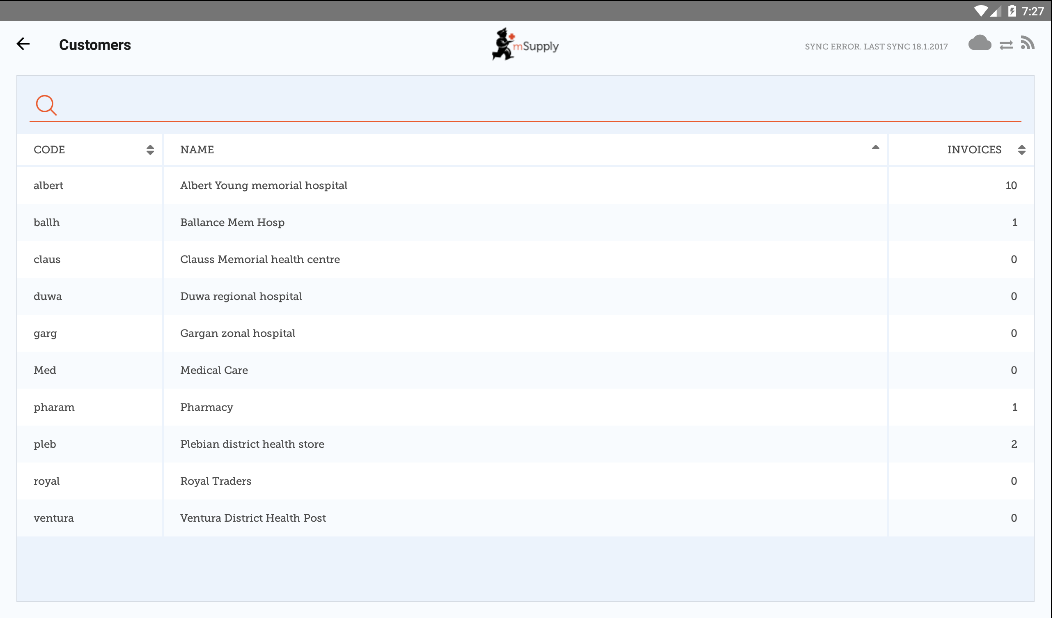
mSupply works just about anywhere. We are mobile ready and mSupply mobile will run on a tablet or smartphone enabling you to manage your stock in places with little or no IT infrastructure. We are completely cross platform including Windows, Mac, and Linux.
 Mobile Ready
mSupply mobile will run on a tablet or smartphone enabling you to manage your stock in places with little or no IT infrastructure; in a remote health centre or aidpost. It works really well even over very slow internet connections.
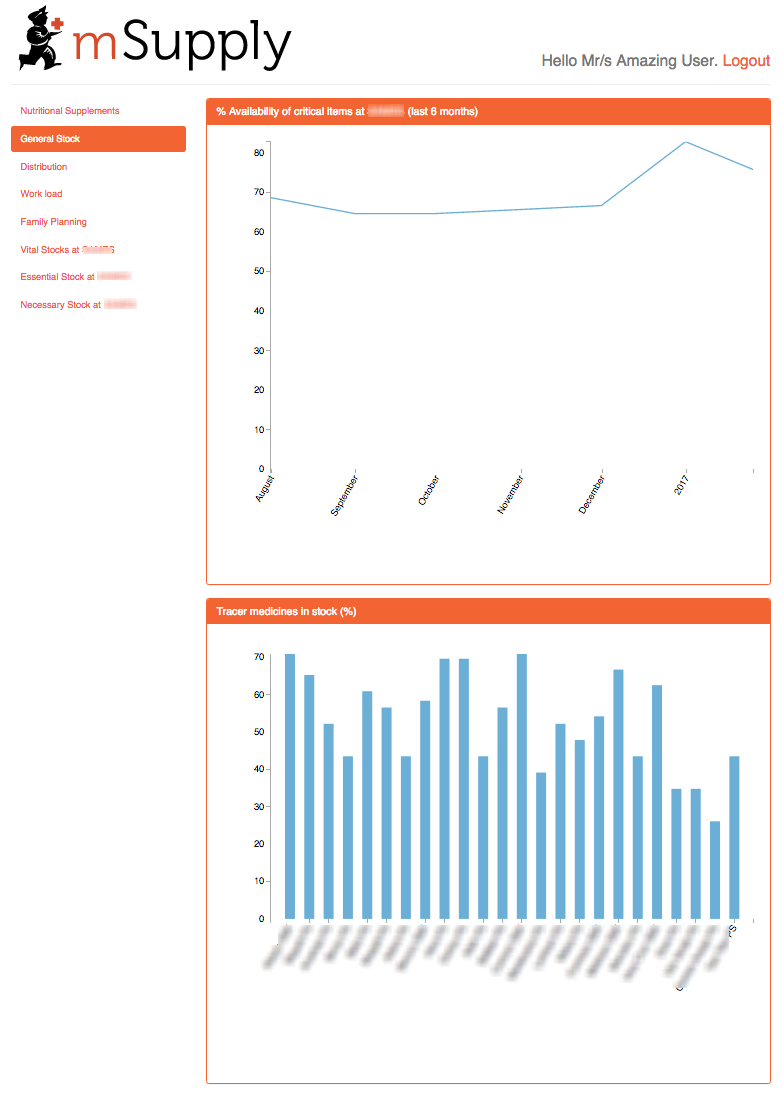
Web Dashboard: You can view graphs and summary stock data on your tablet device and email key stock and receiving reports to managers.
 Hardy
Hardy
mSupply is designed to work well in environments with intermittent power and internet connections.
 Secure
mSupply includes a full user permissions system and a log recording all significant user actions.
 Cross Platform
It’s totally cross-platform. mSupply works on all your favourite platforms including Microsoft Windows, Mac OSX, Linux and Universal.
 Open
Open
mSupply supports standards such as HTML, XML and SOAP, REST (in the multi-user versions) that allow it to interact with other software, and ensures your data is never locked into our system.
 Scalable
mSupply easily scales from a single user to a multi-user system in minutes. It is used in situations where thousands of transactions per day are being entered, as well as small dispensaries with only a few transactions a day. Easily move from single-user to multi-user systems.
Reporting
There are all sorts of reports different people will need to do their job. Managers need KPIs (cue the mSupply web dashboard!). Purchasing staff need to know what to order, or what’s on order. We’ve got you covered.
 Ready Made Reports
mSupply ships with dozens of pre-configured reports. This includes:
- Random or full stock take reports
- Reporting by ATC code level, adjusted for Defined daily dose.. Transactions to be reported on can be for a particular date range, particular range of customers, and a particular type of item. (e.g. you can report on “essential drugs supplied to hospitals during 2003”)
 Custom Reports
Easily create your own reports and save them for use again. Saved reports are available from a menu in the custom report window. Log records that record significant user events for audit purposes. A report of all backordered items is easily generated.
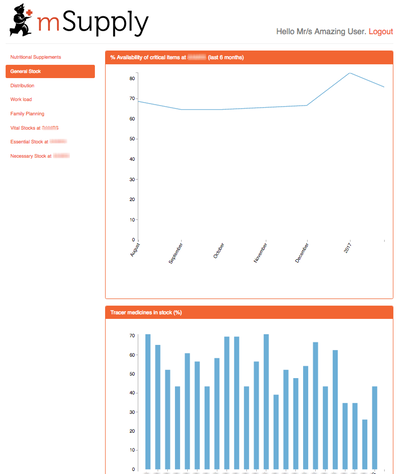
 A web dashboard
In 2016 we released the mSupply Dashboard (reinvented).
Here’s an example, but click here for a fuller description.
 Labelling
A label editor for custom label printing.
Dispensing
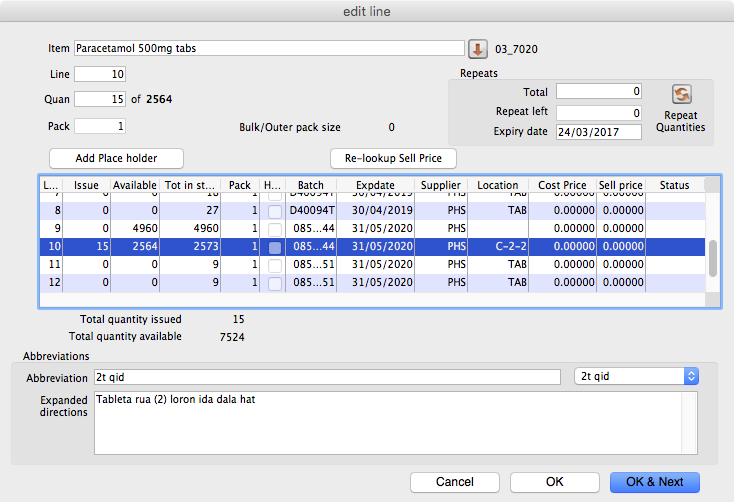
While mSupply is mainly used in warehouses, it is also widely used in hospitals and dispensaries around the world.
Our dispensing module is designed to provide full patient histories, print clear and complete labels, and focuses on allowing super-fast data entry so it works in busy environments.
Labelling
We support super fast Zebra networked label printers. Every day tens of thousands of labels are printed around the world using mSupply.
 Fast Entry
mSupply is used in dispensaries issuing over 1000 items per day.
 Abbreviations
Create Abbreviations and default directions to speed dispensing.
 Patient Medication Records
mSupply includes a comprehensive system to produce easily understandable information for patients on the medicines they’re using.